Table of Contents
Install on AndroidInstall on WindowsInstall on Fire StickInstall on macOSInstall on Smart TVAdd Your PlaylistIBO Player is the official and only supported app for OTTGate. Available on virtually every platform with a smooth interface, EPG, favorites, and parental controls.
Install on Android
- Open Google Play Store
- Search "IBO Player"
- Tap Install
- Open and note your MAC address
- Contact OTTGate support to activate
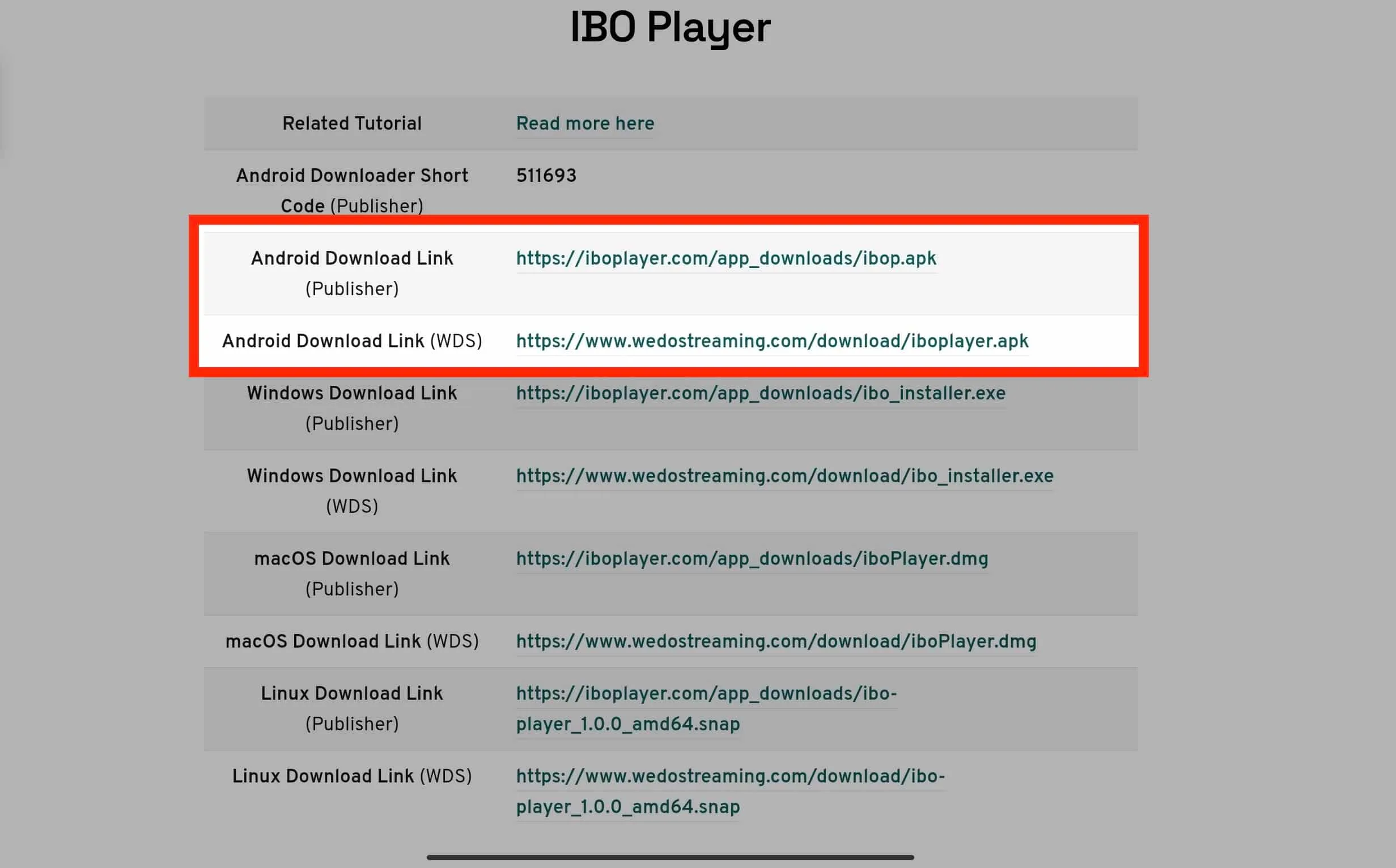
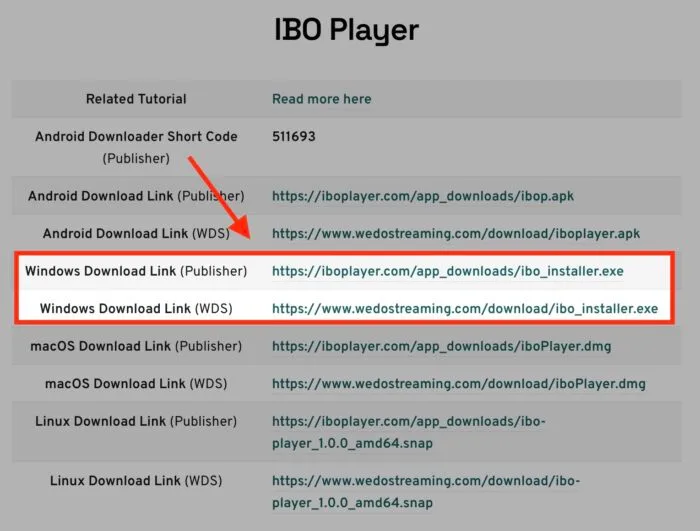
Install on Windows
- Visit official IBO Player website
- Download Windows installer
- Run installer
- Launch and note MAC address
- Send to support for activation
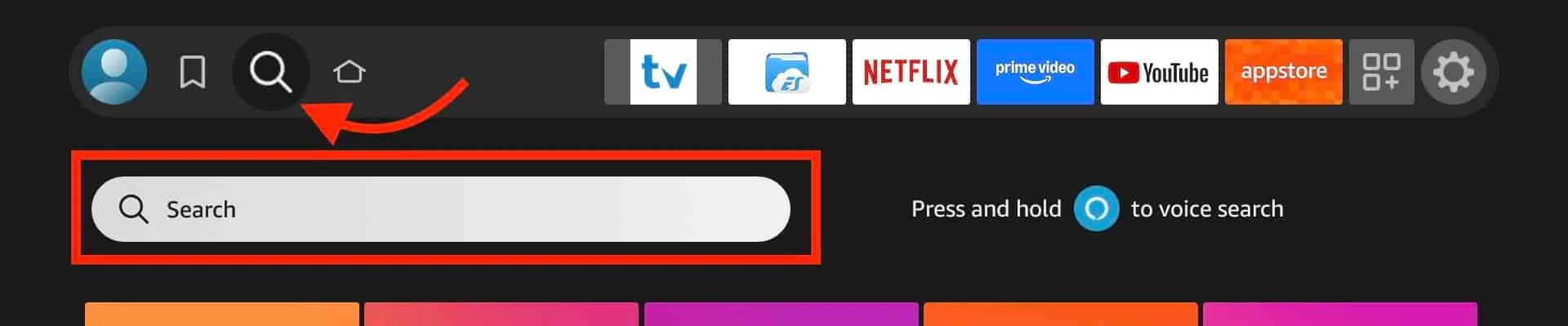
Install on Fire Stick
- Enable Apps from Unknown Sources
- Open Downloader app
- Enter IBO Player download URL
- Install and note MAC address
- Contact support for activation
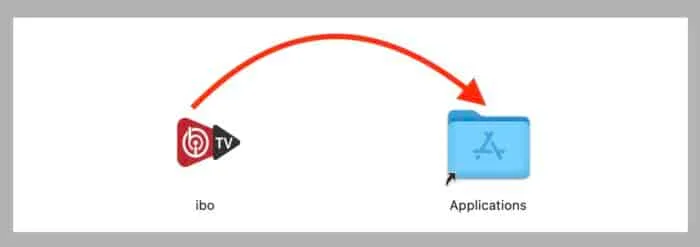
Install on macOS
- Open Mac App Store
- Search "IBO Player"
- Download and launch
- Note MAC address and send to support
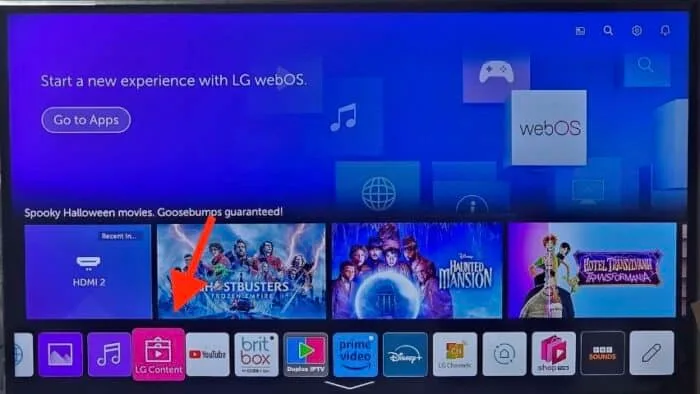
Install on Smart TV
- Open your TV app store
- Search "IBO Player"
- Install and open
- Note MAC address and contact support
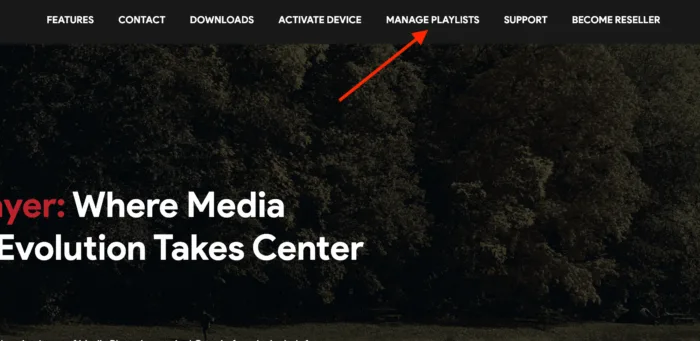
Add Your Playlist
After activation, your playlist loads automatically. For manual setup:
- Open IBO Player Settings
- Select Add Playlist
- Enter URL or Xtream Codes from OTTGate
- Save and return to main screen
Need help? [email protected] or WhatsApp +1 (939) 800-3993.